01
Share the work
Keep recurring chores and one-time tasks together. Use your own task names and checklists, with clear assignments for kids and adults.
 Zeno Home
A little more together
The plans, tasks, meals, and small things that keep a home going — in one shared place, with a day that makes sense for each person. Zeno Kitchen is included for meals, recipes, and groceries.
Includes Zeno Kitchen
Start on the web · Free features available · No web checkout
The everyday, made visible
Less remembering for everyone else. More clarity about what needs doing, who is doing it, and what is already done.
01
Keep recurring chores and one-time tasks together. Use your own task names and checklists, with clear assignments for kids and adults.
02
Bring household plans, activities, meals, and responsibilities into view. Switch between the household and a person’s day.
03
Leave a household note, check the grocery list, or see tonight’s dinner. Everyday details stay close to the plan.
Inside Zeno Home
Actual app screens with sample household data. Tap any image to see the full capture.
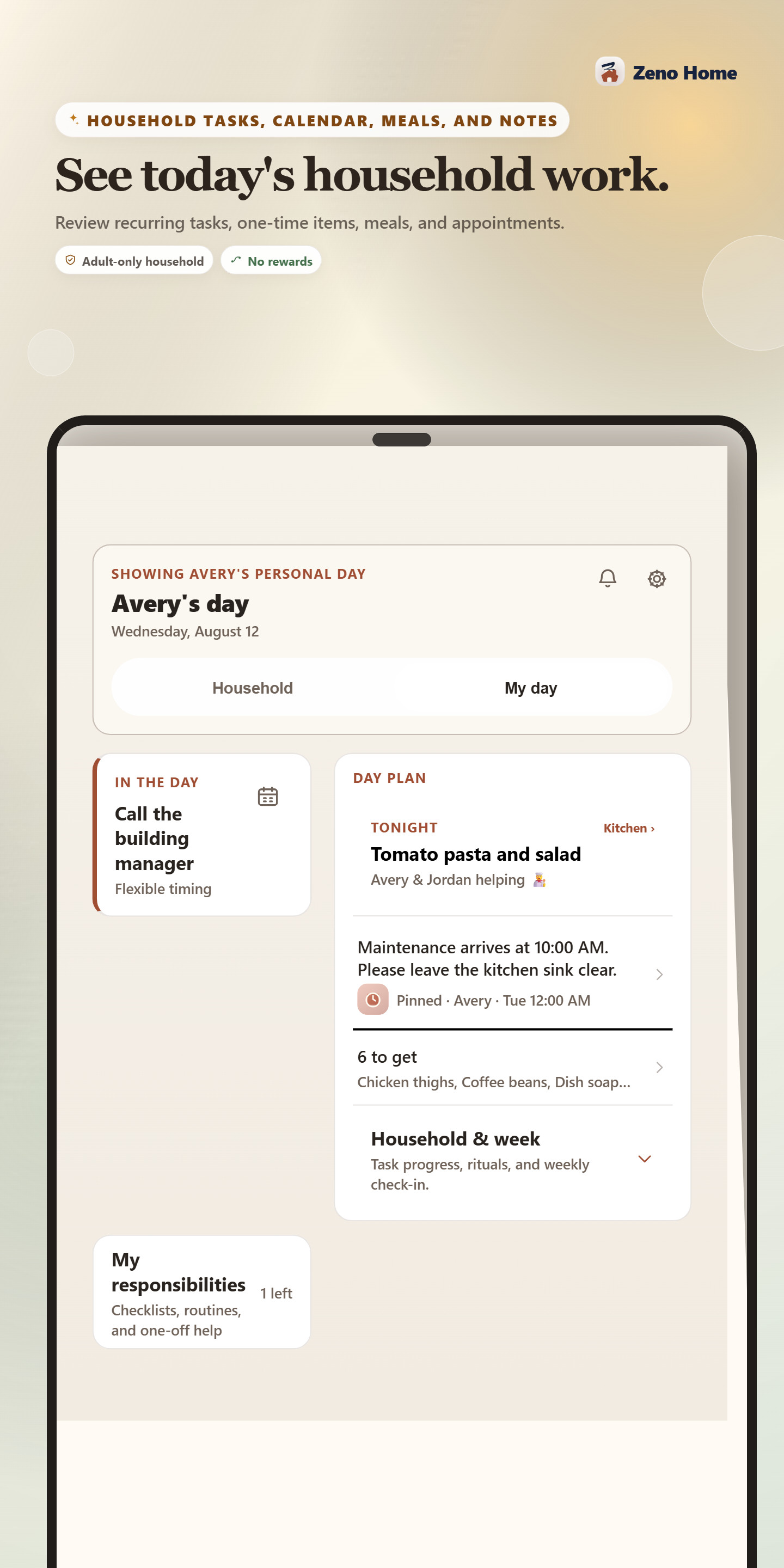
A personal view of the plan, the work, and what matters today.
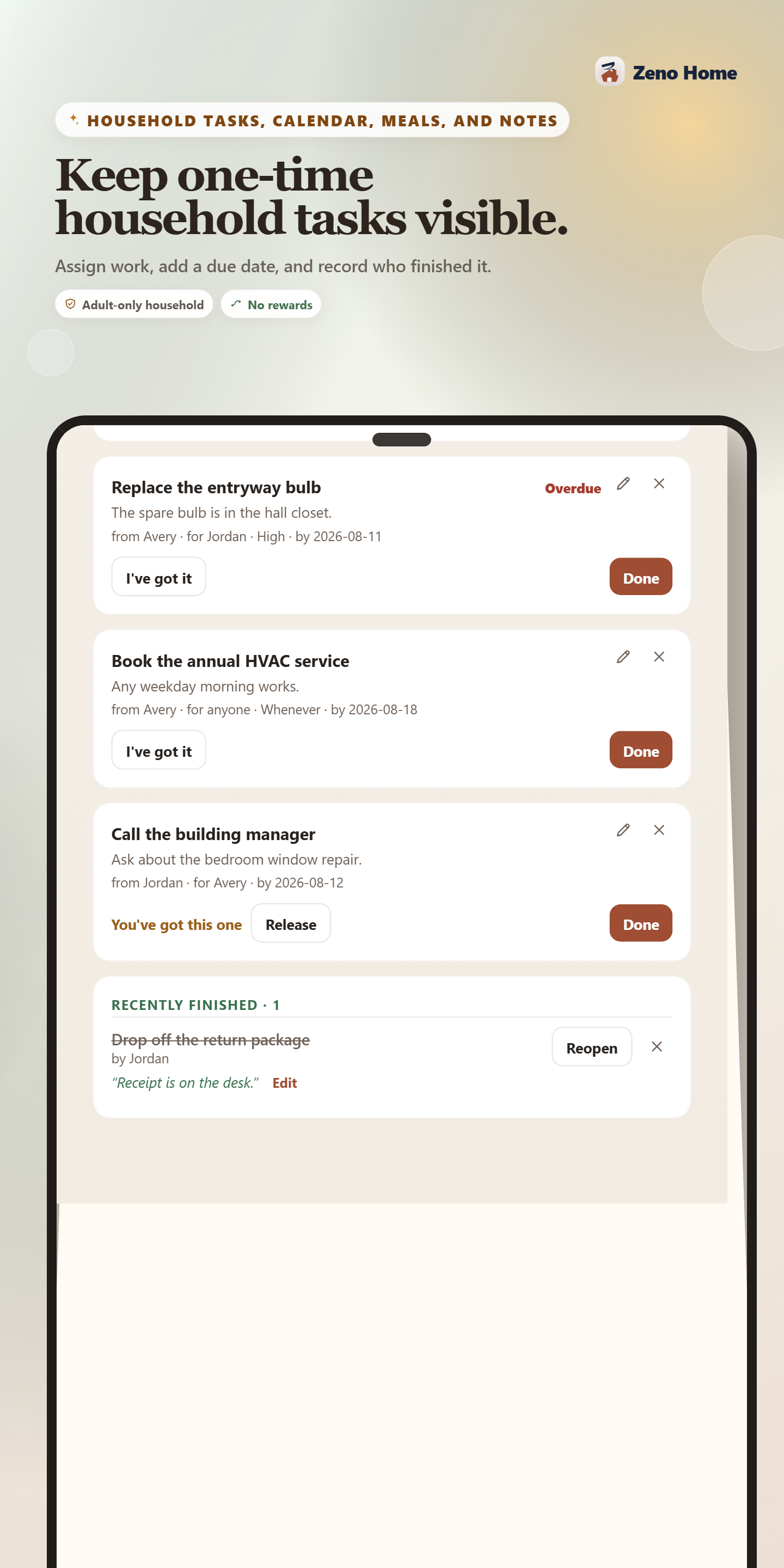
One-time household tasks, with a clear next person and a record of what is done.
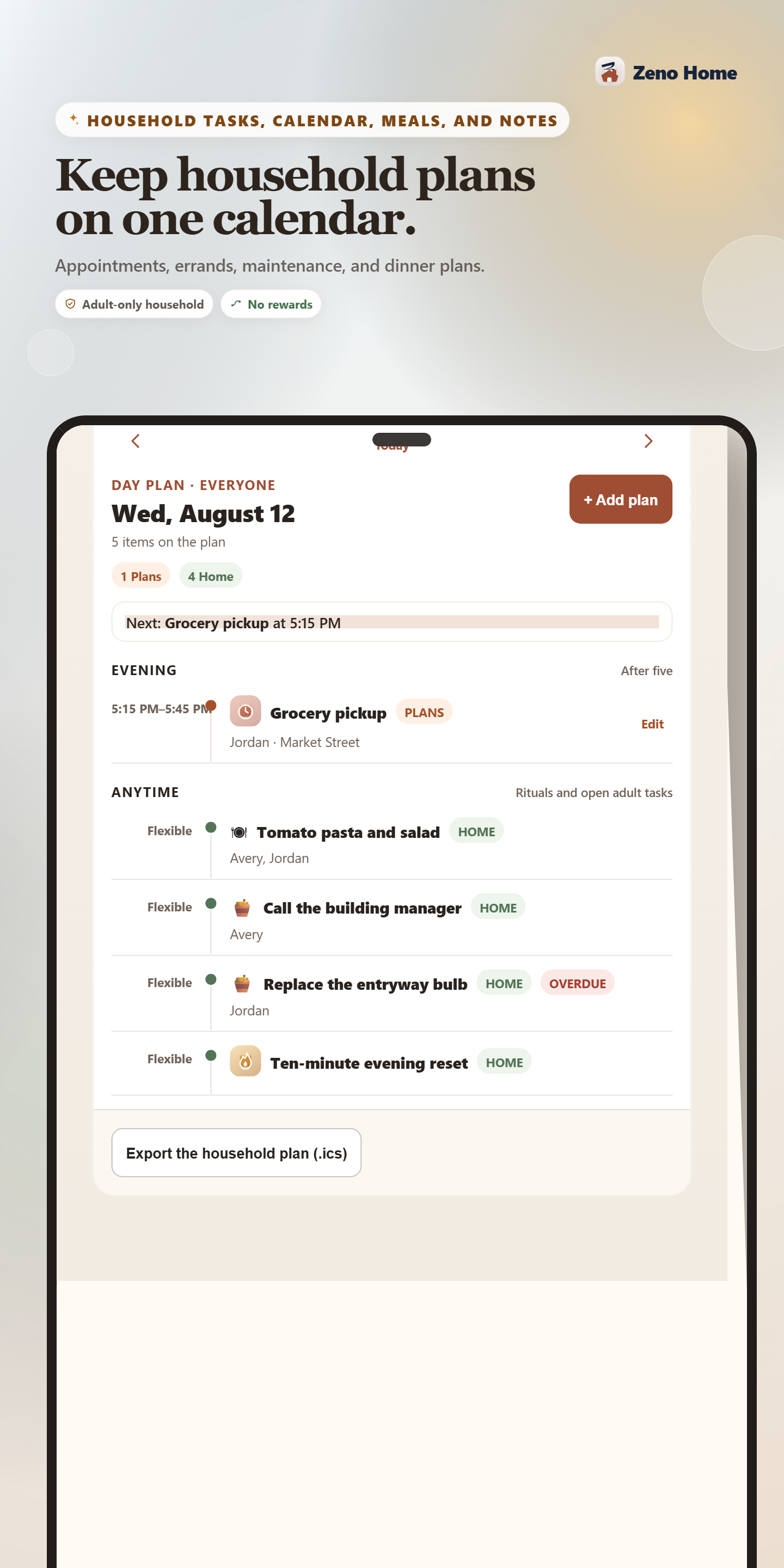
Keep appointments and the everyday rhythm in one place.
Screens from real preview builds, shown with sample data. These Home examples use an adult-only household with rewards off. Family features and the latest layouts may differ.
Your household, your rhythm
Start with the people and responsibilities you actually have. Add family tools when they fit your household.
Some features require Zeno PlusSeparate Kids and Adults task lists. Optional child allowance, rewards, and screen-time agreements, with adults managing the rules and approvals.
Share chores, one-time tasks, plans, groceries, and notes without adding child benefit controls to adult profiles.
Keep your own day and responsibilities organized. You do not need a family group to have a complete household.
Choose core chore days and planned time off. A rest day or vacation should be part of the schedule.
A few useful answers
The web app is available now. Android and iOS releases are being prepared; store downloads are not available yet.
Free features are available on the web. New Plus subscriptions will be offered through Apple and Google Play when the mobile releases are ready. There is no web checkout. Active household access, including an eligible founder grant, is recognized on the web.
Zeno Home does not block or control any device. Screen-time windows are a family agreement the app helps you keep.
Yes. Zeno Home includes Zeno Kitchen for meals, recipes, and groceries, alongside household tasks, calendars, and notes. Zeno Home Plus also includes Kitchen Plus, so you do not need a separate Kitchen Plus subscription. Use the same Zeno account for both.
Calendar connections require eligible Plus access and provider authorization. Google connection is currently limited to approved test accounts while public OAuth access is being prepared. You can use the household calendar and export a household plan without waiting for that release.
Email msiljander@zenoone.com with your interest in Zeno Home and whether you use Android or iPhone. Mobile testing availability is still being prepared.
Start with today. Build the rhythm that works for you.